Write
Scripts, a story bible and continuity checks, in your series' voice.
 MicroMedia.ai Creator Studio
Creator Studio
The Studio writes, draws, voices, scores, edits and posts your series, a new episode every day. Nothing goes out until you approve it.
Invite only for now. Want in? Write to contact@plantagoai.com
From idea to audience
Scripts, a story bible and continuity checks, in your series' voice.
Frames and motion in one consistent look, shot by shot.
Character voices, narration and an original score for every episode.
Subtitles and cuts, an editor pass, then your approval or your reviewers'.
YouTube, X and TikTok on a daily schedule, each episode linked to the last.
Views, followers and spend in one dashboard, plus outreach to festivals and press.
Made here
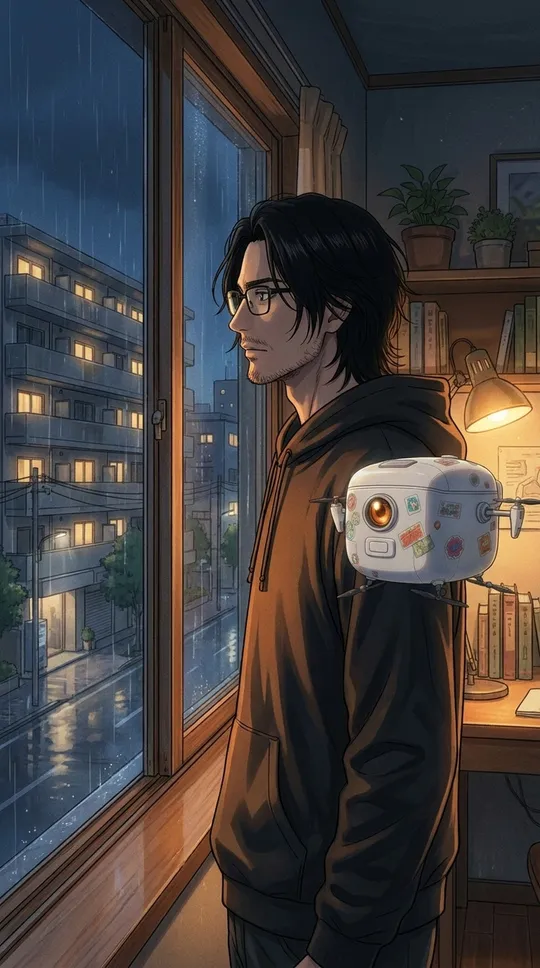
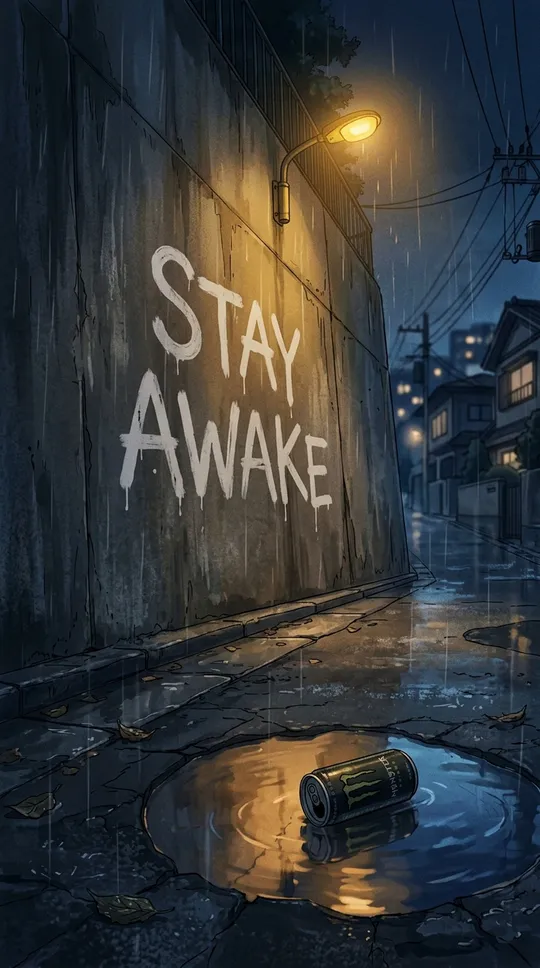
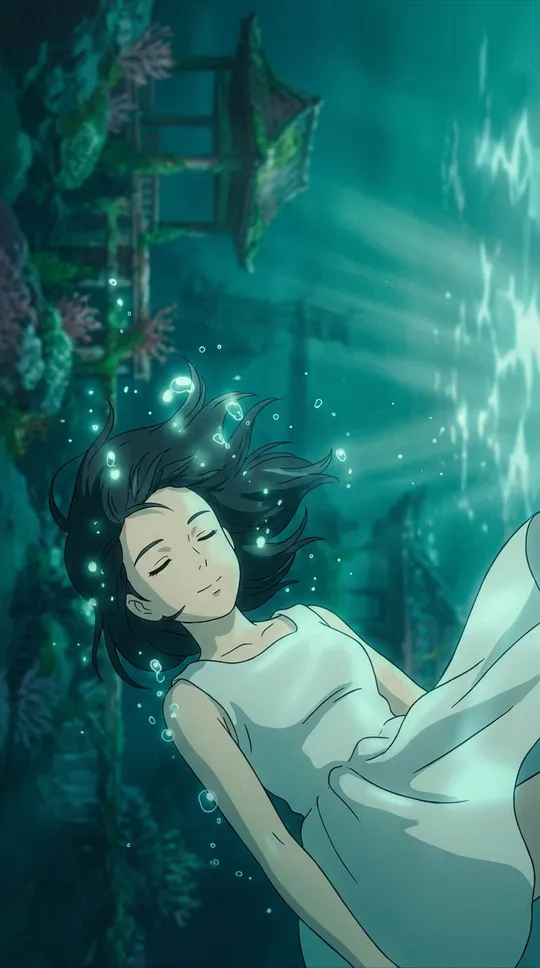
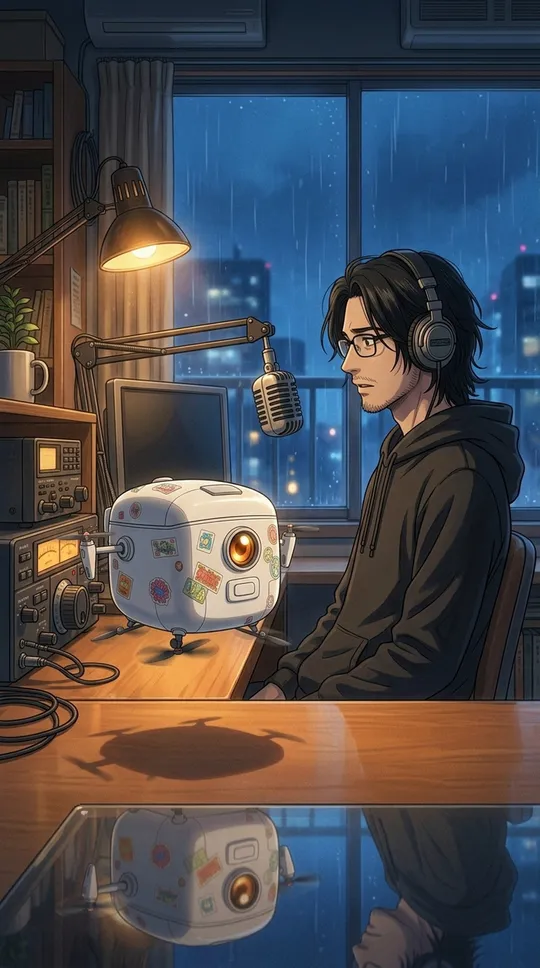
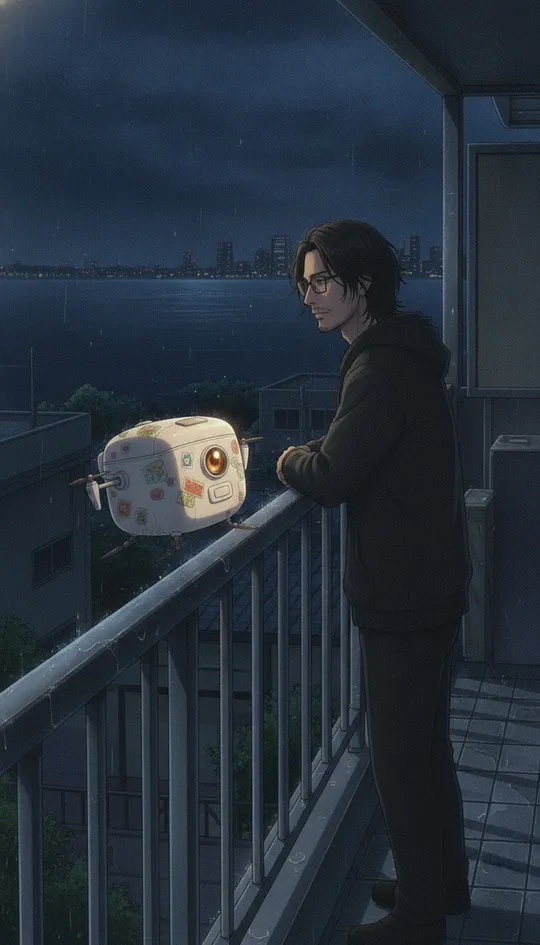
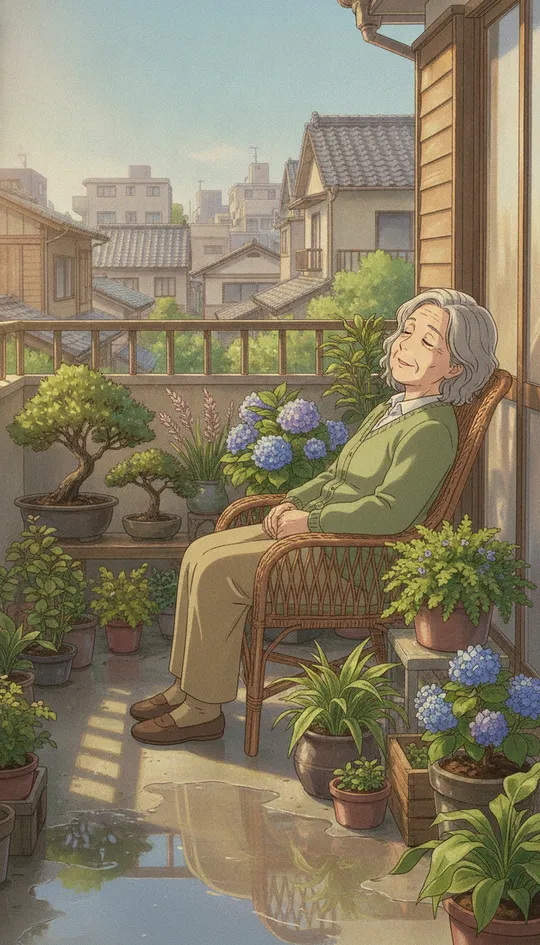
A fully AI-animated micro series about the few people left awake after the world falls asleep. One minute a day, each episode ending on a haiku.
How it works
Your idea, characters, style and season plan.
Each episode is written, drawn, voiced, scored and edited.
Watch it, ask for changes, or approve it.
Posted on schedule, then measured, so the next one does better.
No invite yet? Tell us about your series at contact@plantagoai.com
Every image and video for this brand, with its tags and the copy for each platform and language. Filter or group by tag.
Each campaign is dated and grouped by month. Auto posts go out through Zernio; by-hand posts get a checklist.
What people write under the posts and in DMs. Claude can draft a reply; nothing is sent until you press Send. Israel time.
micromedia-ai.com and dreamless.micromedia-ai.com: visitors, where they come from, what they watch and where they go next.
Audience, traffic, media performance, approvals and costs, plus the analyst's weekly reports.
Pick a report.
Every part the Studio runs on, its errors and their fixes. Israel time.
Every part of the pipeline and the flow between them. Stages light up while a run is going; tap one to see what it does and what it last did.
Pick an episode, say what to do, then approve the script and the video.
Season 1
What the series is, and how every episode looks, sounds and moves. The writer follows both on every script.
Festivals, press, podcasts and communities: what to send each one, and every interaction with them. Emails go only when you press Send.
Pay to show a post that's already live to more people. Nothing spends until you press Launch and type the total.
Everything planned and everything done. Times are Israel time.
Simple choices first. Files and every option are under "Edit settings files".
A square image (PNG, JPG or SVG). It shows in the menu, the brand switcher and the banner.
A wide image, about 1600 × 400. It runs across the top of every page for this brand.
The brand's websites. The first is the main one: it shows under the brand's name and is the default link in posts and ads. A site's data bricks are the ones that read numbers from it.
Saved for you on this device. Each brand can keep its own theme.